One album for every photo, from your guests and your photographer.
Share one QR code and guests upload from their phones. Your photographer delivers into the same album, and every original lands in your own Google Drive.
Photographer, planner or venue? See Nenpsy for business
- No app for guests
- Full original quality
- Saved to your Google Drive
Three hundred guests captured memories. You've seen maybe twenty.
The rest are stuck on their phones, squashed in group chats or behind links that expired. Nobody means to keep them from you. There's just never been an easy way to send them.
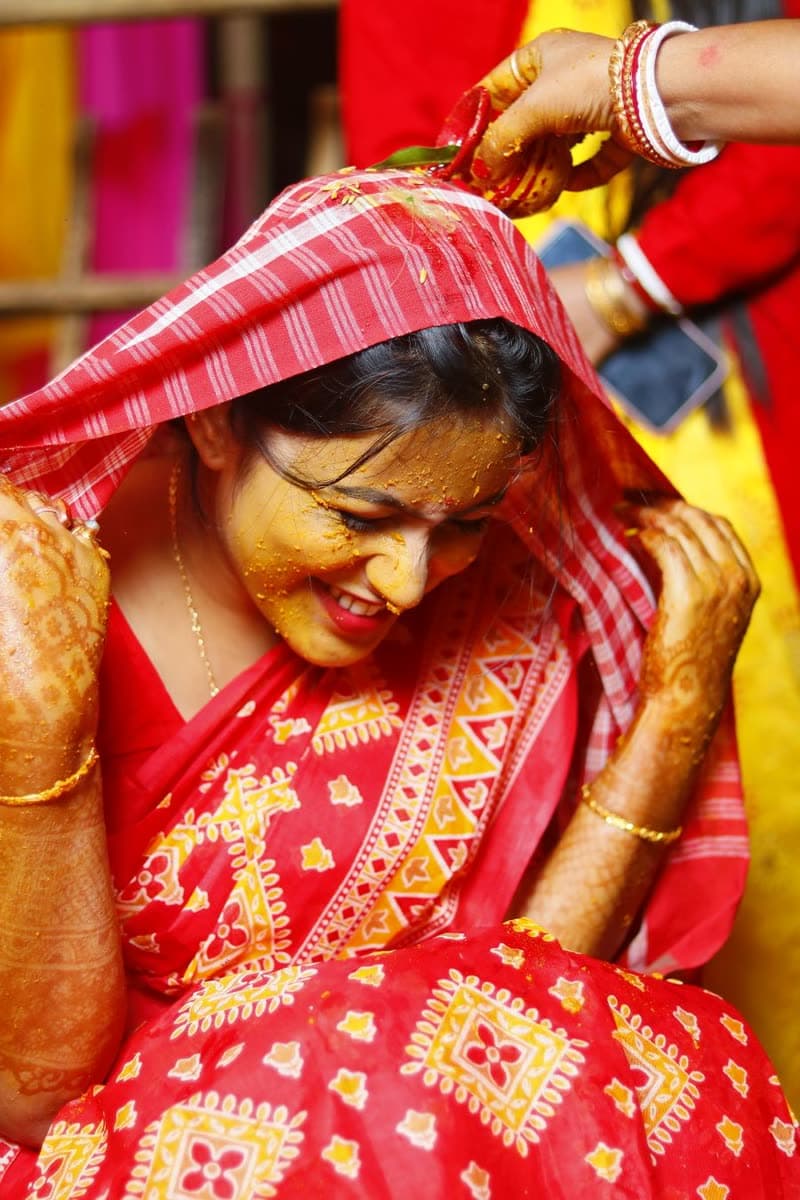
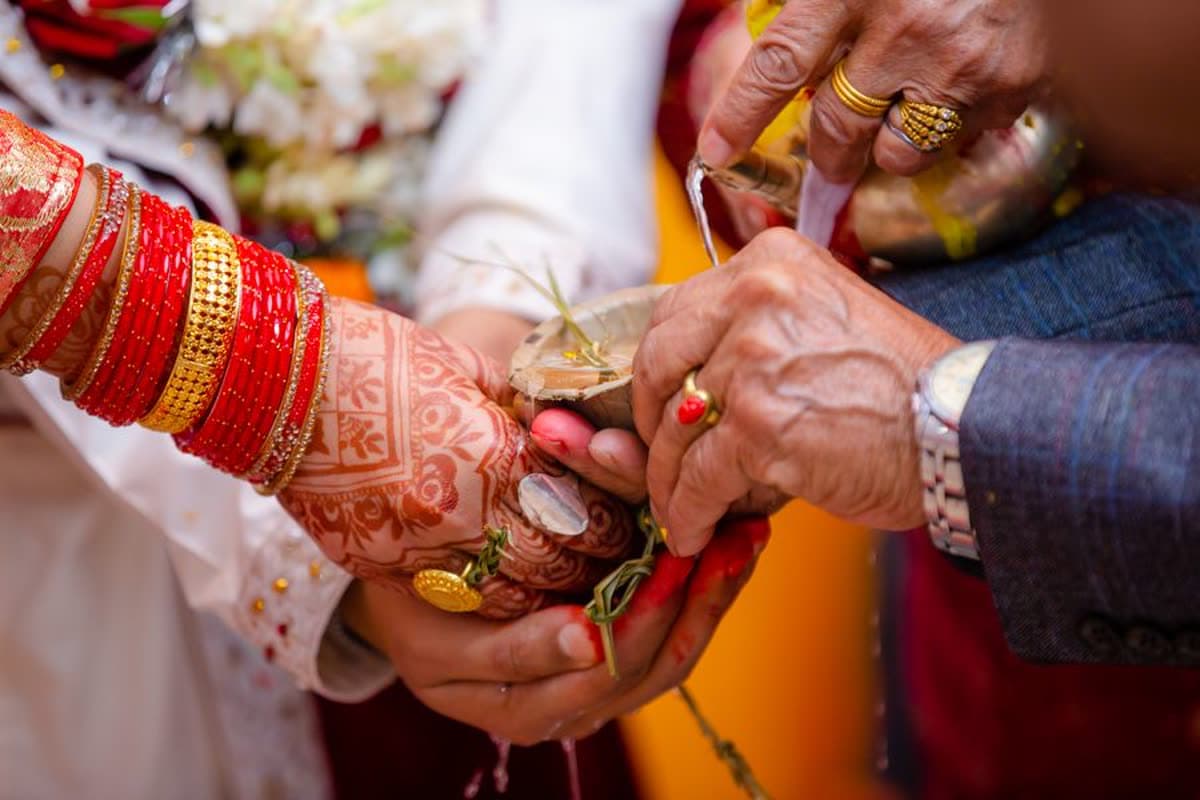
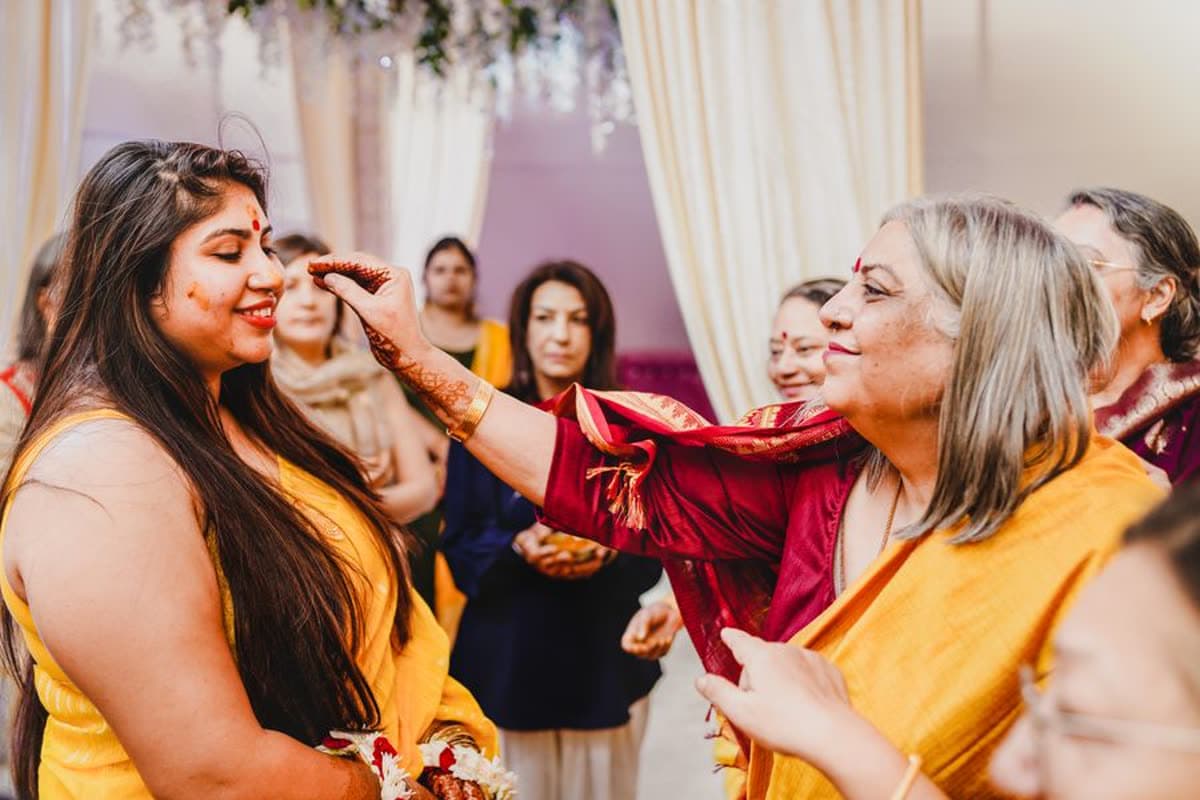

Set it up once. The memories find their own way to you.
01
Share one QR code
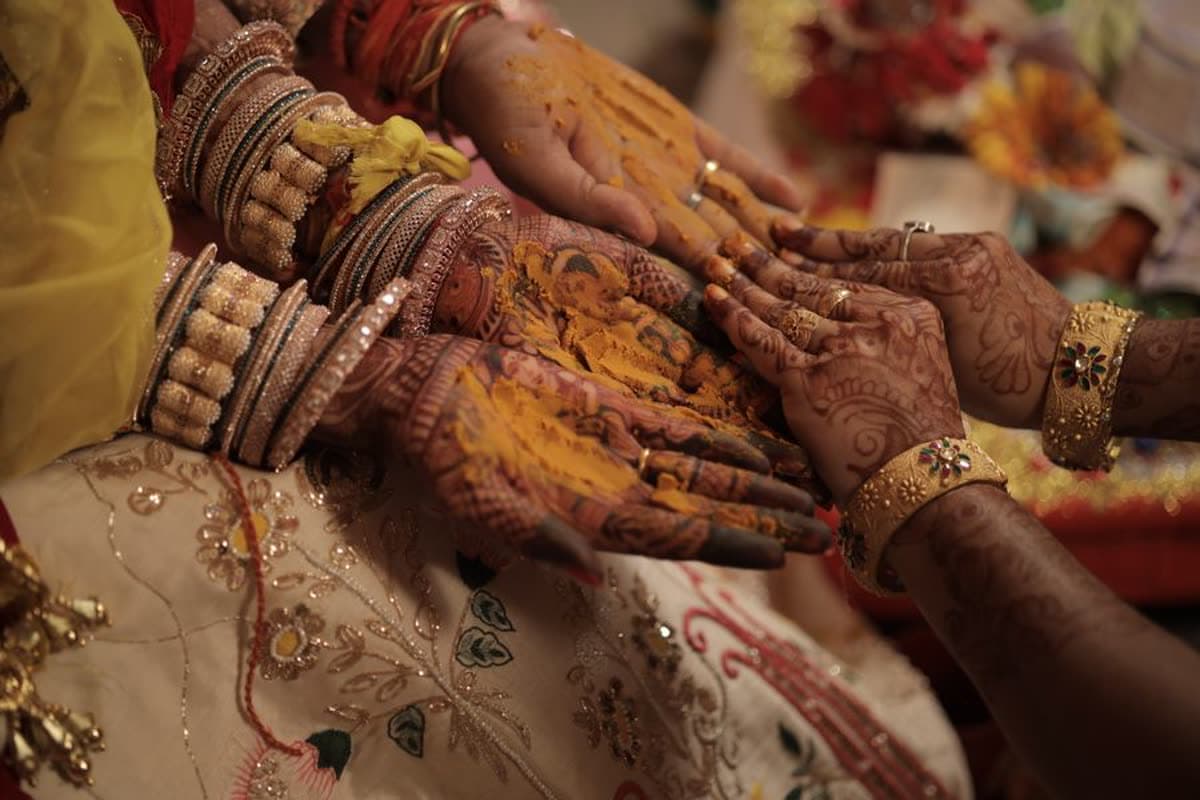
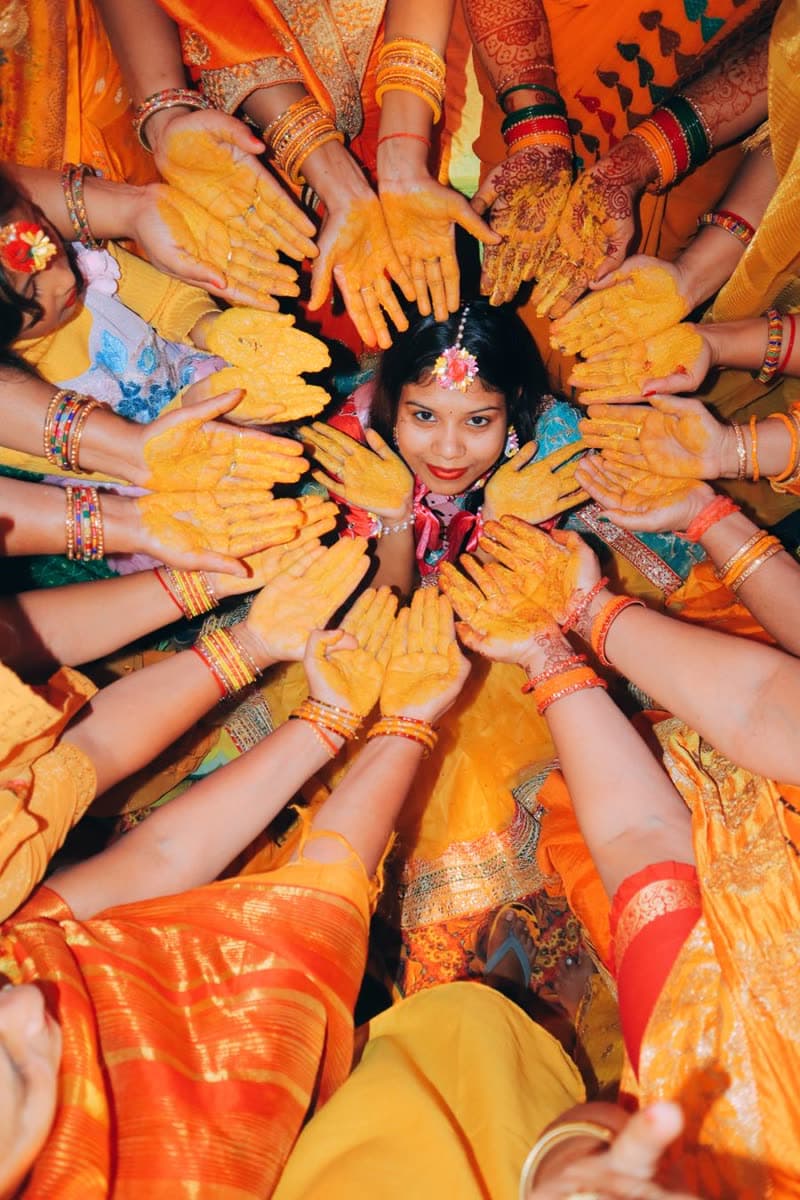
Create your album in a few minutes. Print the QR for the tables, or drop the link in the family group. One album can hold up to three days, like the mehendi, the haldi and the wedding.
02
Guests scan and upload
They pick photos from their camera roll and tap upload, then get back to the party while it finishes. No app, no account, no password. Every file goes up exactly as it was taken.
03
It all lands in your Drive
Photos arrive while the celebration is still going, sorted into a folder for each day in your own Google Drive. Guest photos wait for your okay, and you choose which ones guests get to see.
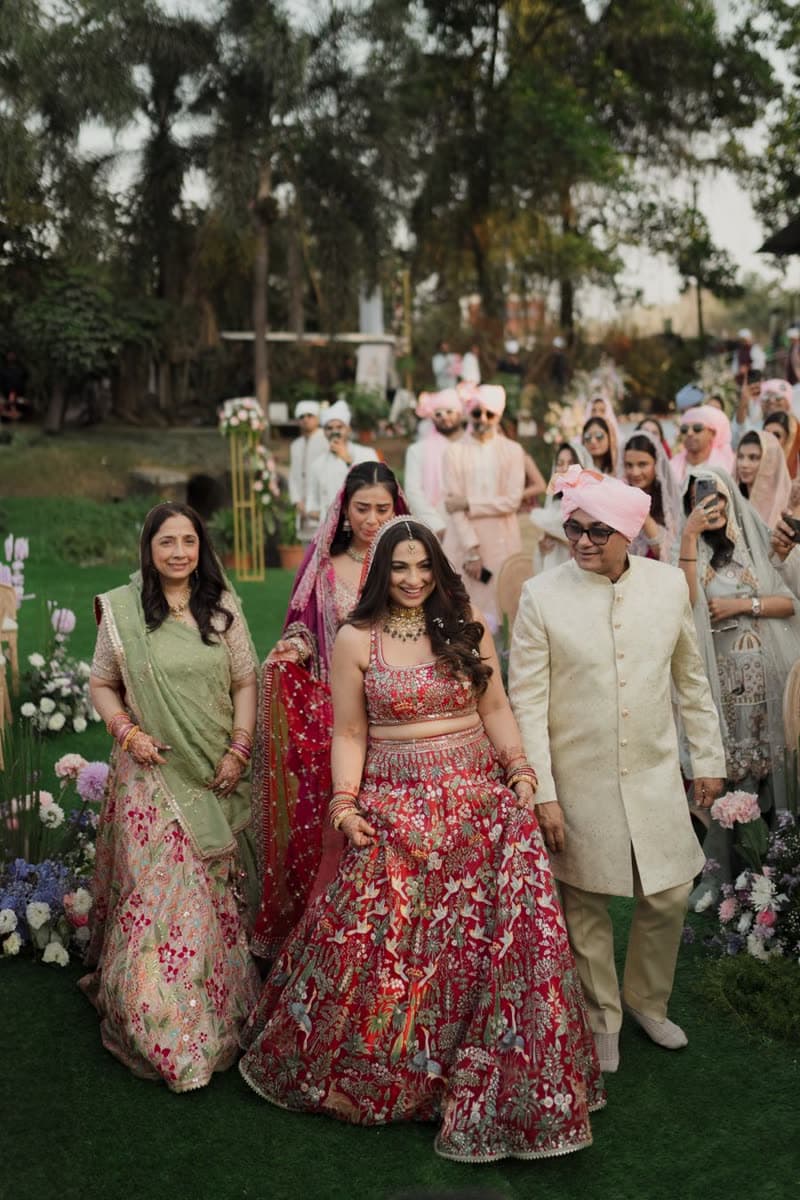
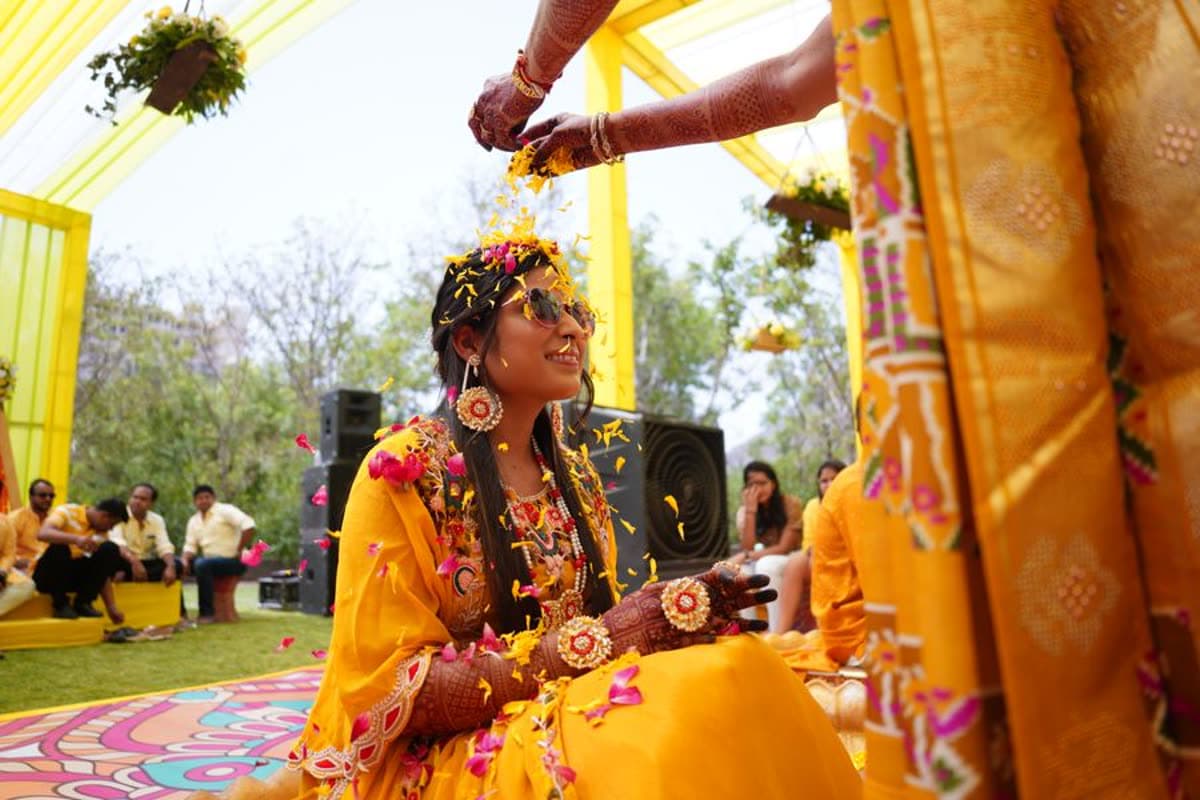
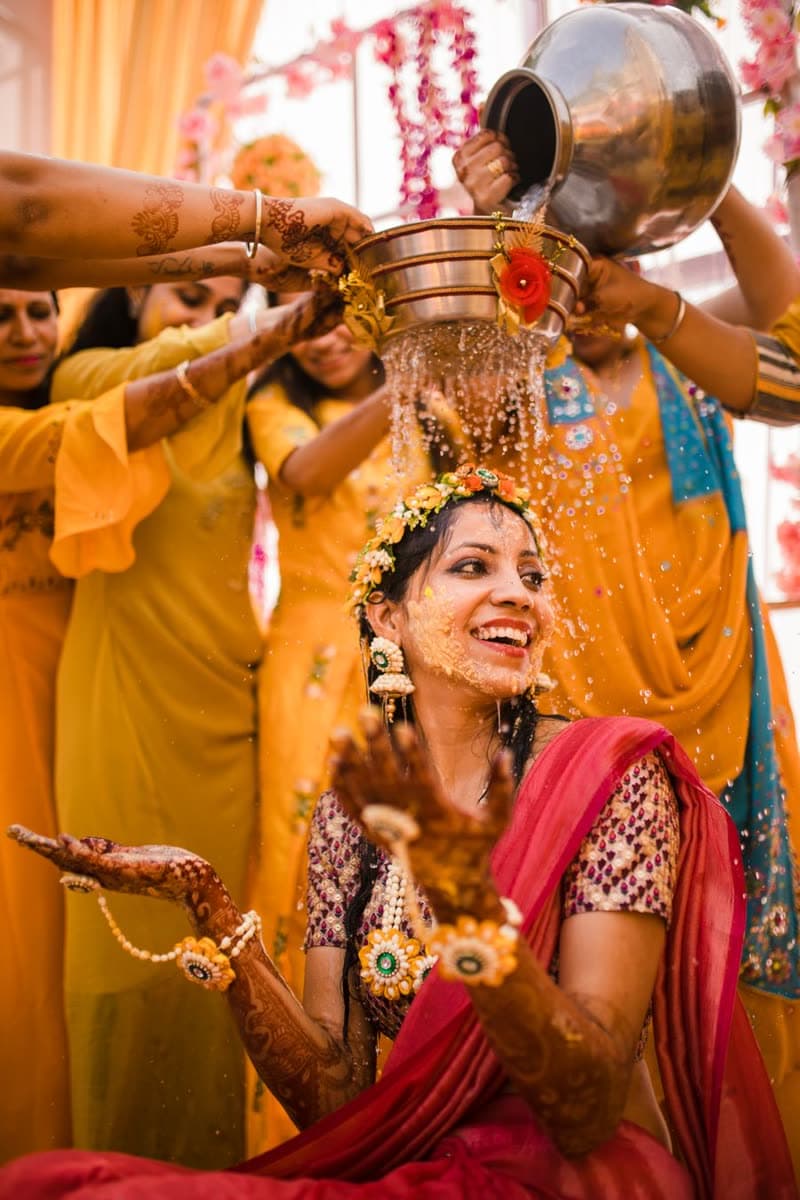
Bring your photographer
Their photos and your guests’, in one album.
No more waiting for a separate link. Your photographer delivers straight into your album, at full quality, in your own Google Drive.
- Invite them with a link
- Send your photographer an invite from your album. They join with their business name on it.
- Their own tab and folders
- Their photos sit beside your guests’ photos, sorted into folders like Haldi and Wedding.
- You hear when they deliver
- Get a notification when new photos land, then share them with family the same day.
- You decide who sees them
- Keep their photos to yourself, share them with friends, or show them to every guest.
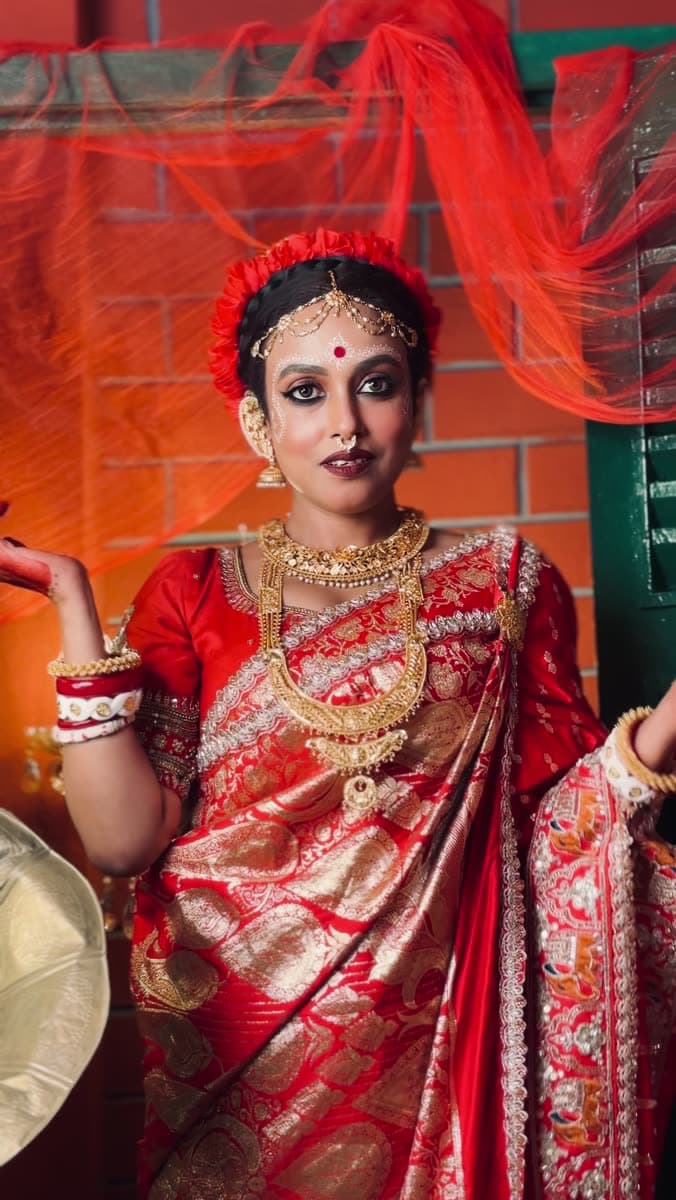
See it in 47 seconds.
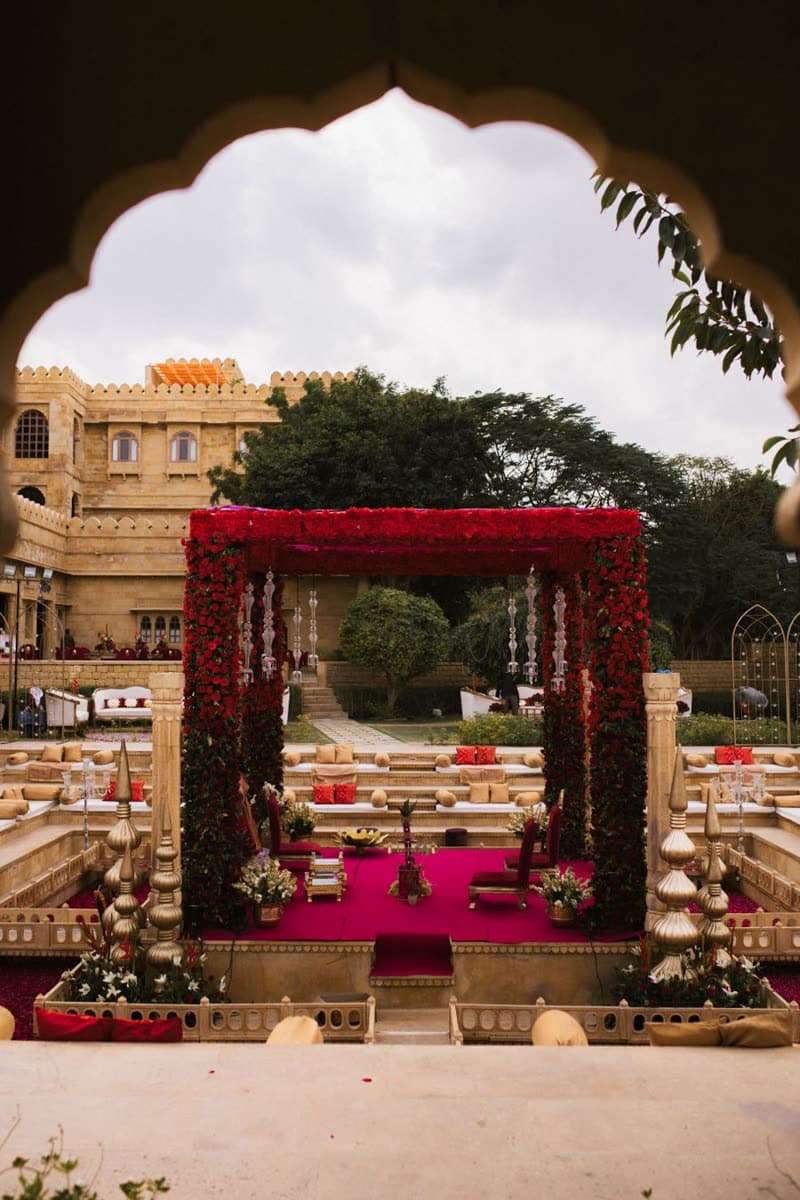
A wedding the way most couples remember it: everyone had a camera out, and the memories that mattered finally found their way home.
Your memories never sit on our servers.
Every upload goes from the guest's phone straight into a folder in your Google Drive. Open it, download it or share it like any other folder, even if you stop using Nenpsy.
- The original file, untouched
- No compression and no resizing. The photo a guest took is the file you keep, with its date and camera details intact.
- Only the folder it makes
- Nenpsy can open the files it creates in your Drive, and nothing else in it.
- A folder for each day
- Mehendi, haldi, wedding: up to three days, each with its own folder. Guests pick the day as they upload.
- You approve what’s shared
- Every guest upload waits for your okay before it appears in the album. You also choose what guests can see.
Why Nenpsy
Most photo apps rent you space. Nenpsy gives you the memories.
Most event photo apps keep your memories on their cloud, and they're only yours for as long as the plan lasts. Nenpsy saves every original into your own Google Drive, so there's no expiry date.
- Where your memories live
- On the app’s cloud servers
- In a folder in your own Google Drive
- How long you keep them
- Until the plan or storage period runs out
- Forever. There’s nothing to expire
- Photo quality
- Often resized or compressed for their gallery
- The original file, untouched, with its date and camera details
- If you stop using the service
- Download everything before it’s deleted
- Nothing changes. The folder stays in your Drive
- What guests see
- Often everything, straight away
- Only what you approve. Guest uploads wait for your okay
- A multi-day wedding
- Often a separate album for each event
- One album, with its own folder for each day
- Opening your memories
- Inside their app or web gallery
- Anywhere Google Drive works, on any device
The morning after, it's all there.
The ceremony, the family portraits, the dance floor at midnight. Every angle, from everyone who was there, in one album.
For photographers, planners and venues
Your best advert is the work you just delivered.
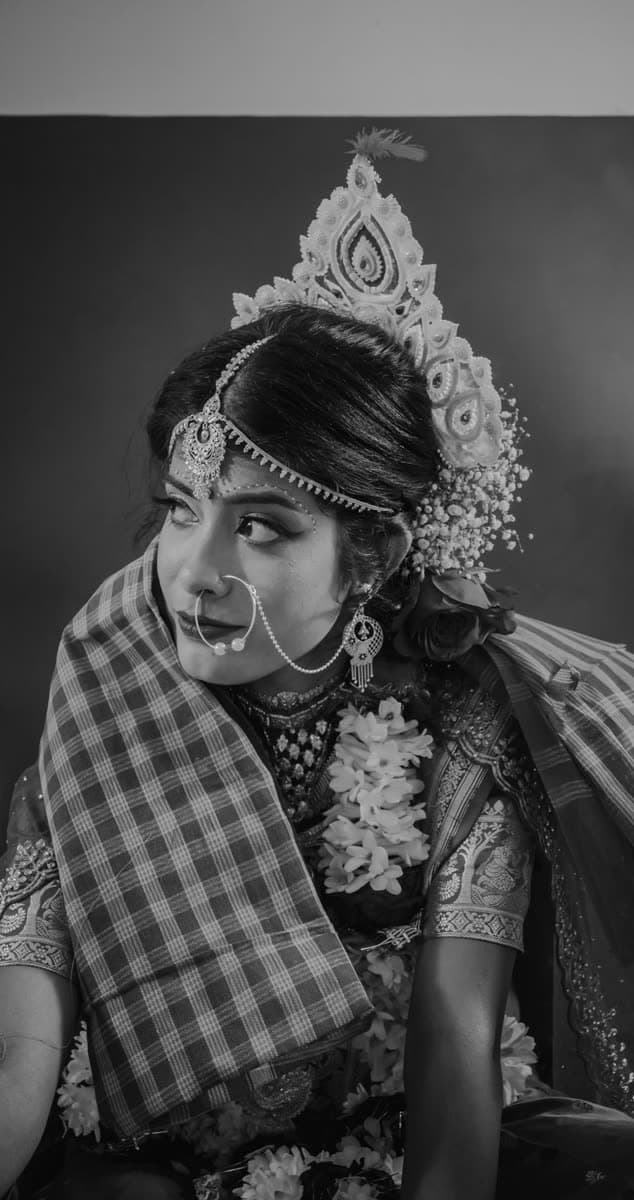
After every wedding, hundreds of relatives open the album to find their photos. They see your work at its best, and today they have no way to reach you. On Nenpsy, every one of them sees your name and a Contact button.
- Your name on every album
- Your logo, name and city on every album you deliver. Guests tap Contact us and can message you.
- Every client in one place
- Add a client, make their album and send them the link on WhatsApp. They connect their Drive and it’s theirs.
- No storage to pay for
- Photos live in Google Drive, your client’s or your own. You pick for each album.
- Delivery that keeps going
- Upload hundreds of full-quality photos into folders. It picks up where it stopped and skips duplicates.
Questions people ask
Something else on your mind? Ask us.
Do guests need to download an app or sign up?
No. Guests scan the QR code or open your link, pick their photos and upload them from the browser.
Where are the photos stored?
In a Nenpsy folder in your own Google Drive. They count toward your Google storage, and they stay yours even if you stop using Nenpsy.
Will the photos lose quality?
No. Every file is uploaded exactly as it was taken, including iPhone HEIC photos. Nothing is compressed or resized.
Can guests upload videos?
Guests upload photos. You, and anyone you add as a co-host, can add videos to the album.
Can guests see everyone’s photos?
You decide: only the photos they added, the photos you pick, or the whole album. Every guest photo waits for your okay before anyone else sees it.
Can my photographer add their photos to the album?
Yes. Invite them from your album. Their photos get their own tab and folders, land in your Drive at full quality, and you choose who gets to see them.
I’m a photographer or planner. Can I use Nenpsy for my clients?
Yes. Set up your business with your name and logo, make an album for each client and send them the link on WhatsApp. You deliver the photos, their guests add theirs, and everyone who opens the album sees your name and a way to contact you.
Whose Google Drive do client albums use?
You pick for each album: your client’s Drive, so the photos are theirs from day one, or your own business Drive. You can switch until the first photo is uploaded. Nenpsy doesn’t charge for storage.
Is it only for weddings?
No. It works for any occasion where many people take photos: birthdays, anniversaries, festivals, graduations and company events.
Every memory needs a home.
Set up your album before the day, and wake up the morning after to every memory, already in your Drive.
Takes about five minutes.